
How to show guests’ photos on a TV at your wedding
By Adam Chetter, award-winning wedding filmmaker ·
To show guests’ photos on a TV, use a guest photo gallery with a live slideshow. Guests scan a QR code and upload from their phone. Their photos then appear on a TV at the venue within moments, played full screen in turn. You open the slideshow link on a smart TV, or on a laptop plugged into the TV.
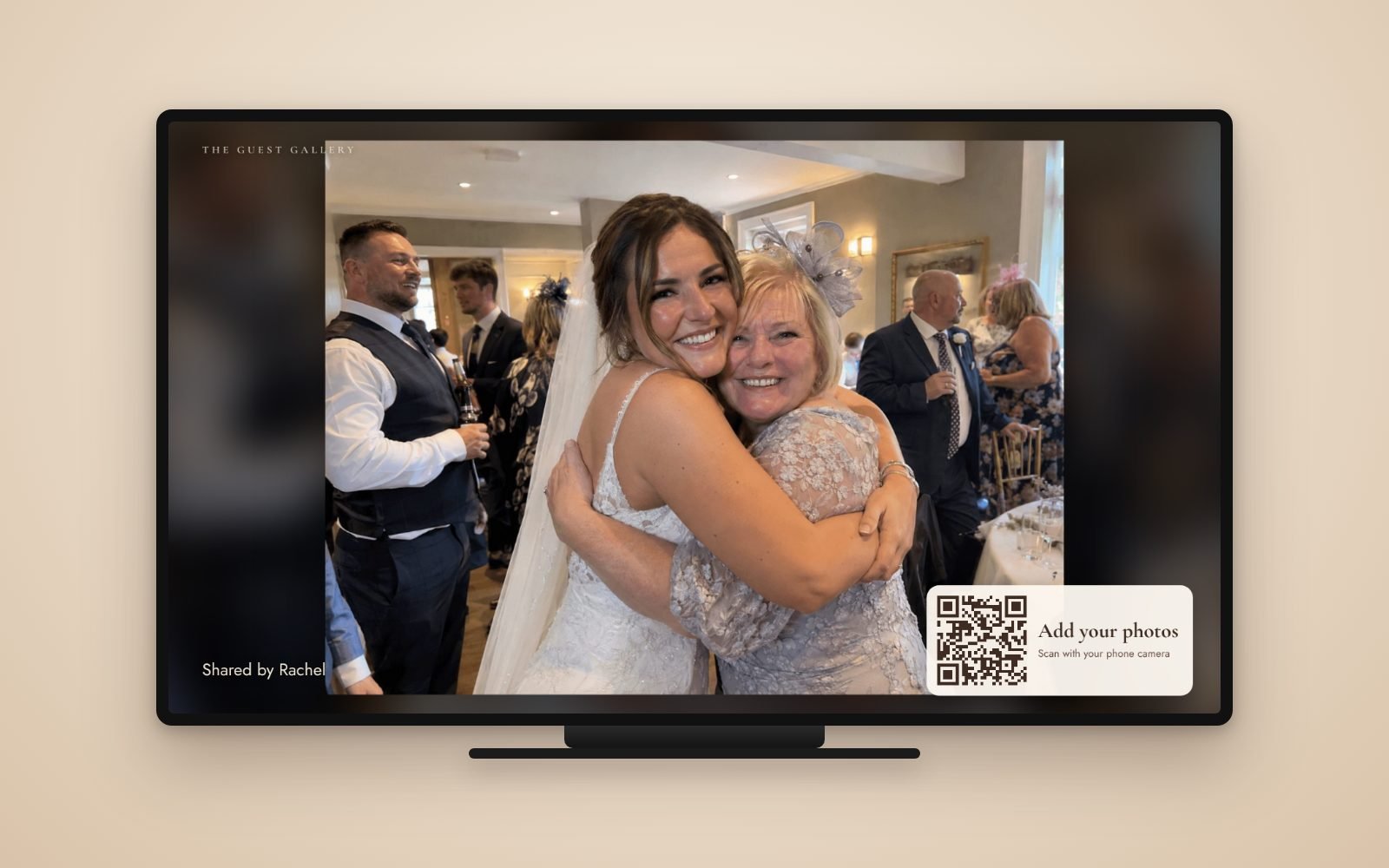
Why a live slideshow works so well
Guests love seeing their own photos on the big screen. It also reminds everyone else to share theirs.
A QR code in the corner of the screen means people can join in there and then. So the more the slideshow plays, the more photos come in.
It suits the evening reception best, when people gather near the bar and the dance floor.
What you need
A screen. A smart TV with a web browser, a projector, or a laptop plugged into a TV.
Internet. The venue’s wifi, or a phone hotspot for the laptop. Photos are small previews, so it does not need much.
A link. With The Guest Gallery, your TV link is on your gallery page. Open it, click once for full screen, and leave it running.
Keeping control of what appears
Photos show straight away, so nobody has to sit and approve them during the day.
If one appears that you would rather not show, hide it from your phone. It leaves the screen within a few seconds and stays in your gallery.
Videos stay off the TV, so the slideshow never plays sound over the speeches or the band.
Tips for the day
Ask your venue where a screen can go, and send them the link a week before.
Test it at home on your own TV, then once more at the venue before guests arrive.
Put it somewhere people pass often, such as near the bar, rather than behind the top table.
Questions couples ask
How quickly do photos appear on the TV?
Usually within a few seconds of the upload finishing. New photos jump to the front of the slideshow.
Can we stop a photo appearing?
Yes. You can hide any photo from your phone, and it leaves the TV within a few seconds.
Does it work for birthday parties too?
Yes. The TV slideshow works the same way for birthdays and corporate events.
The TV slideshow is a £20 add-on to The Guest Gallery, from £39.